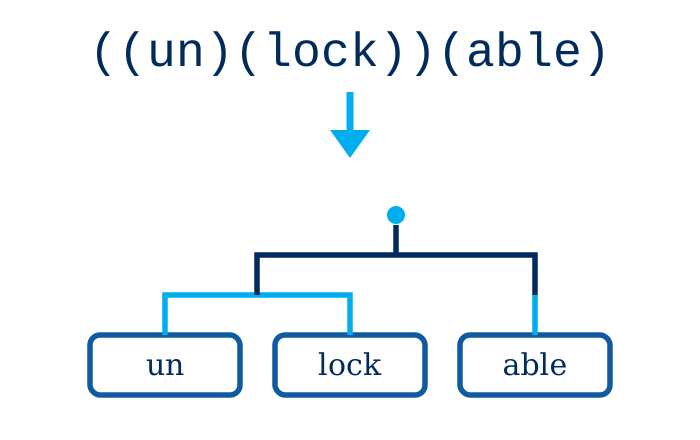
DiagSap draws Philippine-style word tree diagrams — the layered structures (“diagramang sapin-sapin,” Tagalog for “layered diagram”) that show how a word is built from its parts. Type a short description of the tree using a simple parenthesis notation, process it, and DiagSap draws the diagram.
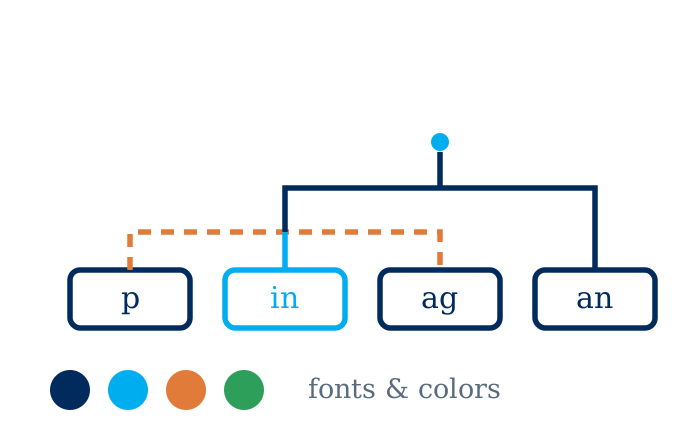
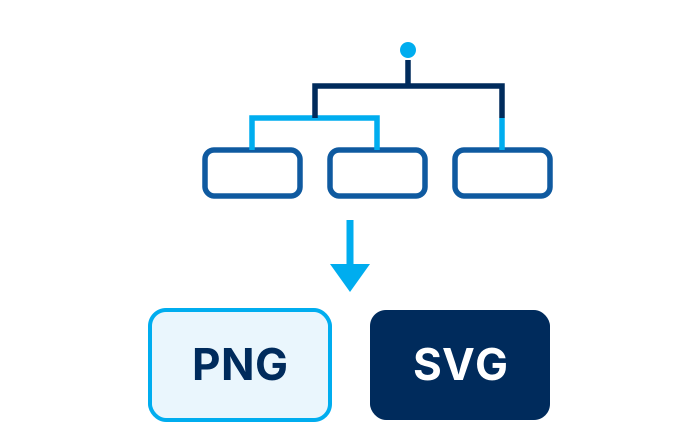
Make each diagram look its best: set fonts, colors, spacing, and line thickness, use dashed lines for a split infixed base, and even draw trees right-to-left for languages such as Hebrew. When a diagram is ready, save it as a PNG or SVG file to drop straight into papers, handouts, and web pages. Open the SVG in a tool like Inkscape to add extra touches such as curved lines and arrows.
DiagSap is free to use and runs on Windows, macOS, and Linux.